 مؤلف
Faded output from a laser printer after changing the toner is typically attributable to either matching problems or print-path issues, and generally not evidence that a new cartridge is out of ink. First, the cartridge and device family must be checked again, followed by image quality checks such as density level comparison (clean background) with equal fusing speed for transfer/paper/repeat output. When tested in actual working conditions, a compatible toner cartridge designed for the proper printer or copier should be able to generate strong pages as well.
Review ASC TONER printer and copier toner categories when the device family and application need to be matched before troubleshooting.
Replacing a fresh cartridge replaces the consumable, but not the printer’s whole imaging system, paper fuser, or operating settings. If the print is still pale, determine whether the problem is caused by the toner cartridge or another part of the imaging system. This keeps parts that are still functioning from being replaced unnecessarily.
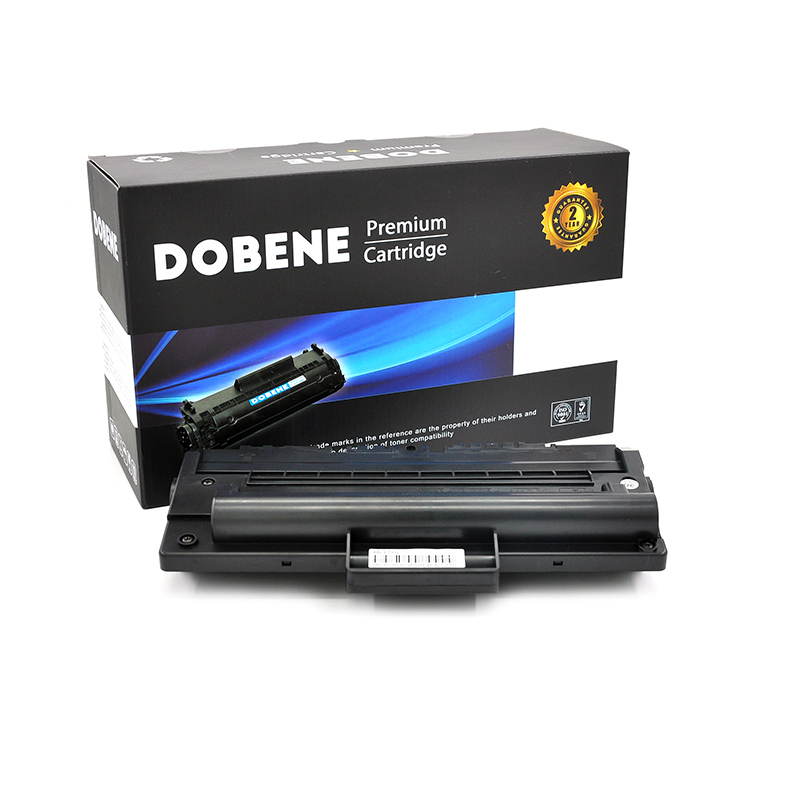
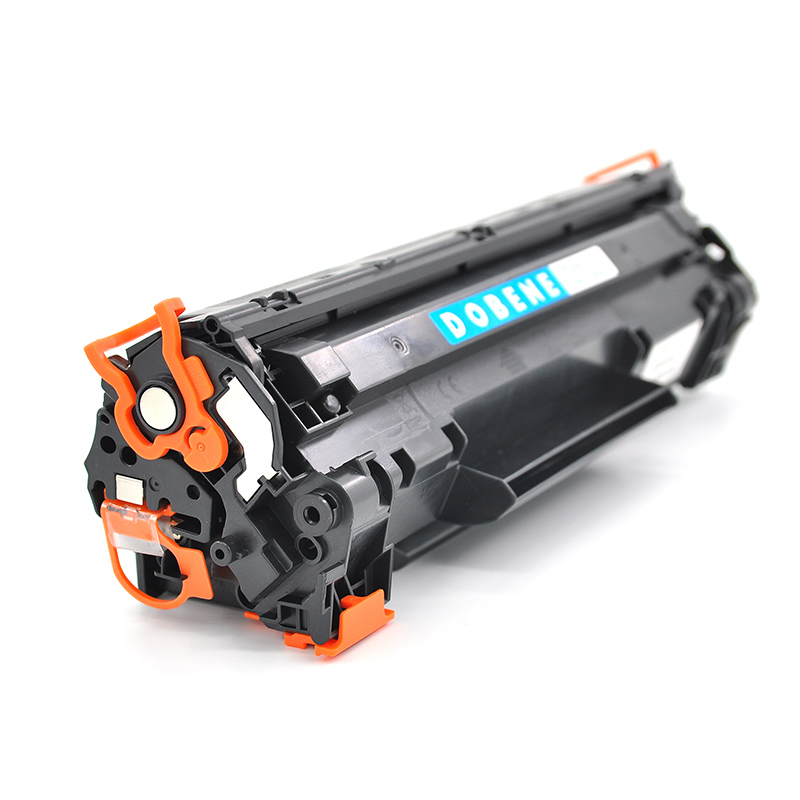
The cartridge might be shaped the same way, but that does not mean it is specifically for your printer. Compatibility depends on factors such as cartridge housing, chip recognition, toner delivery, charge behavior, and fuser conditions. A product aimed at a similar model can produce pale text, feeble color blocks, and splotchy coverage or just something passable for a quick test of its pages.
Brand-level matching is just the beginning. The requirements for a printer toner cartridge may vary from a copier toner cartridge, and demands on transfer and fusing will also be exceptionally different in color than those of a monochrome machine. You are forced to group the equipment by exact family immediately before comparing products or changing settings. Always group by exact family before comparing products and changing settings
Thin image density is the most prominent form of output fading. Text may not appear black, but dark gray; fine lines become invisible, and colors have lost their target strength. The reasons can run from toner charging, development, and transfer efficiency to cartridge age or formulation that do not suit the imaging system.
Consider the printed page and also examine how it looks in the interior of the device. If the page is pale but your device interior remains tidy, it could indicate underdevelopment or poor transfer. Loose material, contamination, or uneven deposits inside the print path indicate that it is time to investigate cartridge and toner performance.
Paper modifies how toner receives heat and pressure. Even though the cartridge itself is matched, an unsuited surface, weight, and moisture level or incorrect machine setting may leave a weak image. Check for fusing by touching the sheet after a normal warm-up and looking for rub, smearing, or a dull surface that does not feel like it has fused.
The state of the printer is another factor to take into account. A good toner can look bad due to a deteriorated imaging component, contamination, cool temperature, or probably just the configuration of sealed settings in some other paper type. So troubleshooting should keep the cartridge, device, paper, and operating condition together rather than assigning faded page after faded page directly to toner.
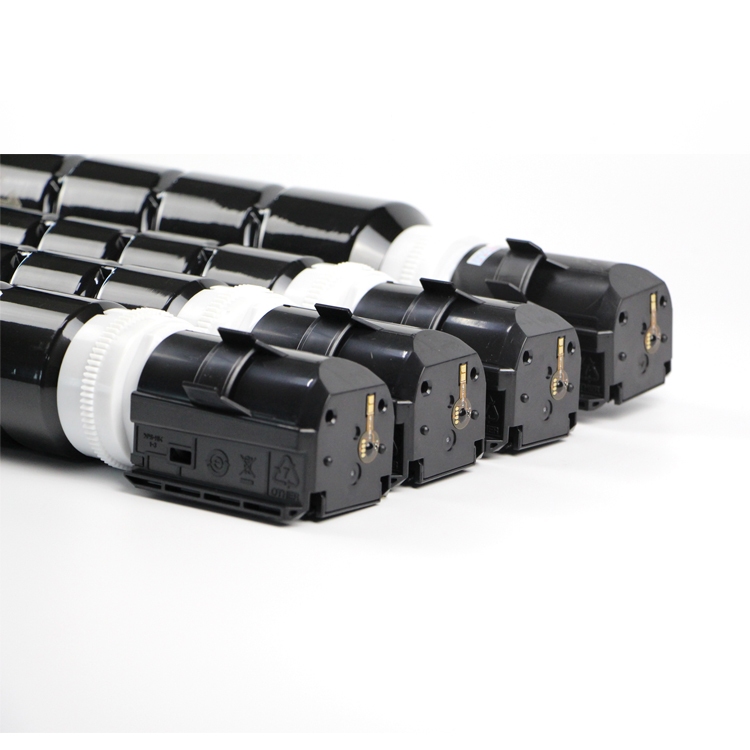
Begin by printing pages that your printer normally prints: Test background, test text, colour block area, bar chart, and composite document. The test pattern may hide the problem because it does not cover or represent just one paper that was used during the day. Print the same file multiple times, and compare sheet one with sheets printed after the machine has settled into its normal condition.
Document the printer or copier family, cartridge type, paper, and settings, along with what symptoms are visible. Specify whether the output is white in black, one color or all colors, and whether the issue occurs immediately or gets worse on a longer run. This straightforward record allows for more accurate future comparisons. Later comparisons will be more exact because of this simple record.
Image density indicates whether the printed sections are strong enough to be read and created consistently. Background cleanliness indicates whether toner shows up on the paper where it should be white. Fusing indicates whether or not the image is durable enough not to rub off when handling, folding — like in a mailer with other items— scanning one shop and then another to reveal numbers lining up on stacked ATBSystems deliveries. Fusing indicates whether the image remains intact when handled, folded, scanned, and stacked, or delivered, without rubbing off.
All these checks ought to take place together; one symptom may hide another. A page can appear to be dark enough but have a dirty background, or it could even have a clean background and weak fusing. ASC TONER considers image density, background, and fusing as usage guidelines on toner quality assessment.
If you can run the exact same paper and file, compare with an approved cartridge on that machine. And if the approved cartridge replaces density, it’s worth verifying. If you have light printing on both cartridges, look in the printer, paper, settings, and imaging path before getting set on judging toner. If both cartridges print too light, examine the printer, paper, settings, and imaging path prior to blaming the toner.
A second machine can also specify the outcome, but it needs to be an appropriate device family. If you put the cartridge in there between unrelated models, that is not a fair test. The objective is to limit the number of changing variables in such a way that a technician can pinpoint exactly what changed. The idea is to limit how many things are changing so a tech can diagnose what changed.
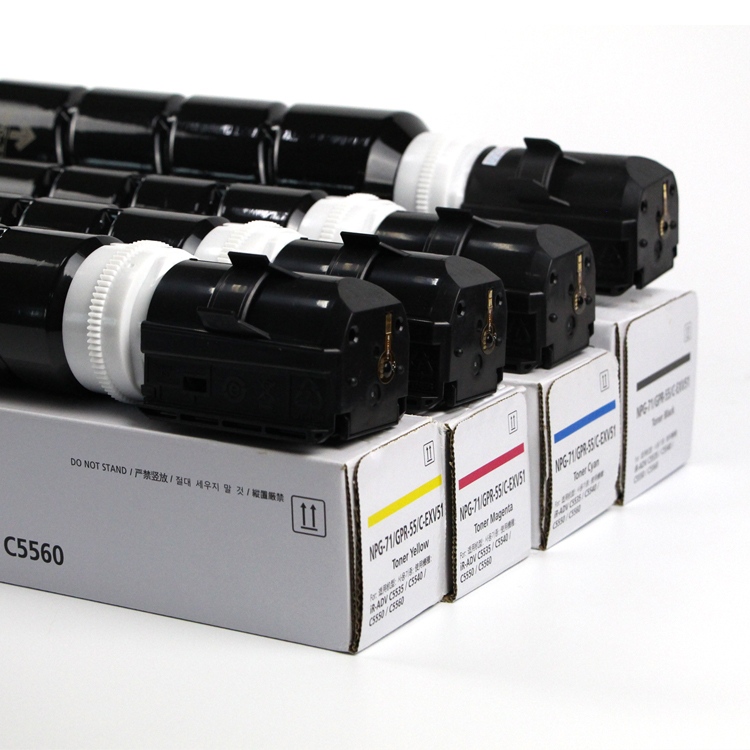
Choose a toner cartridge based on the exact device model, color requirements, expected page coverage, paper, and workload. Office documents are also likely to be optimised for clean text on a white background, whereas colour production is more intense in solid fills, gradients, transfer, and repeated fixing. For example, an office document may try to maximize clean text on a white background, whereas in a colour production environment you will find more stress on solid fills/gradients/transfer and repeated fixing.
ASC TONER provides color toner, printer toner, and copier toners in addition to leading finished cartridge classes for a few of the vital, well-liked equipment directions. This range comes in handy where a business has to organize consumables based on the machines already at service, instead of treating any cartridge. When they need to manage consumables by the machines that are in service, it makes sense for this range rather than every cartridge being treated as interchangeable with another.
A cartridge that may seem cheap can lead to significant workflow costs when pages have to be reprinted, or operators waste valuable hours cleaning the device. Usable pages, stable density, control cycles, fixing cycles, replacement cycle. The best option is the one that has a performance built to sustain acceptable pages out of your printer through its working load.
In case of mixed environments, retain a reference page from an accepted batch together with the conditions used to generate it. If a new batch is received, that means you can identify if the density has gradually changed or how they have fused together via retained samples also. Retained samples give service teams a basis for discussing print-quality issues.
ASC TONER links product choice with the basis of print symptoms users observe at their machines. Its toner categories span printer and copier applications, while its quality conversations include density, background, fusing compatibility, and batch consistency. The practical upside is a more lucid discussion of the whole print path. This has practical benefit; it allows us to have a much clearer conversation about the entire print path.
For application guidance, see ASC TONER toner solutions and compare the toner behavior with the device, paper, and workload in use.
They also provide for customization across certain aspects such as packaging/chips/formulations. While alternative consumables options do not replace model matching or print testing, they can provide service teams with ways to coordinate a common consumable program as more related printer and copier-oriented applications come into play. These options do not supplant model matching or print testing, but they can assist service teams in planning a more uniform consumables program when multiple printer and copier applications are running simultaneously.
For color applications, explore ASC TONER color toner cartridges before deciding whether a replacement is suitable for the intended equipment family.
Faded printouts from a laser printer after changing toner are essentially a system diagnostic. Before replacing additional pieces, verify that the cartridge is specific to your model and fully check image density, background transfer, and fusing paper machine. ASC TONER offers printer and copier toner categories that meet the needs of this application-oriented approach. To support this industry-specific application approach, ASC TONER provides printer and copier toner categories.
Contact ASC TONER for compatible toner guidance and align the replacement with the printer, paper, and output standard your team uses every day.
A: Repeat printing representative pages and compare density, background cleanliness, and fixing. If you get a pale result with an approved cartridge, check the printer and paper one more time before trying new toner.
A: Yes, if the cartridge structure, recognition system, and toner behavior or fuser conditions do not match the device. You should check compatibility based on model family and not skin or brand name. The test might be relatively fair because, using the same printer, paper, file, and settings throughout, that is where you can more confidently link to your cartridge/s.
A: Print normal text and solid areas; print charts as well; light background/color. Warm whatever pages get printed after a trickle of multiple passes. Dark content should be made dark, white areas clean, and determine if an image rubs/smears during handling. Log the printer, paper settings & cartridge for repeatability against an accepted reference sample.
A: ASC TONER has multiple equipment direction includes printer toner, copier toner, color toner and finished toner cartridges. Selection can be centered on the precise device family, print workload, paper/density/background/transfer/fusing requirements. Those checks assist users before they convert a replacement portion of the overall print path.